Welcome to the June 2026 release updates for Smart Persona! This update introduces two major improvements that directly enhance your experience by providing greater reliability, control, and visibility.
Smart Persona New Features & Improvements
Three product improvements designed to give you more reliability, control, & visibility
01
More Reliable Scenario Generation
02
Safe Generation Cancellation
03
Usage Dashboard
Feature Enhancement: More Reliable Scenario Generation
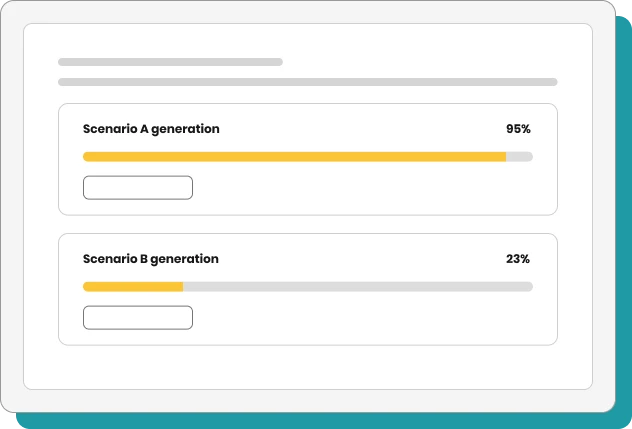
Previously, running several scenarios at the same time could cause failures or freezes. Coming soon, we are introducing highly reliable scenario processing that holds up even when multiple scenarios are run concurrently.
Live Progress
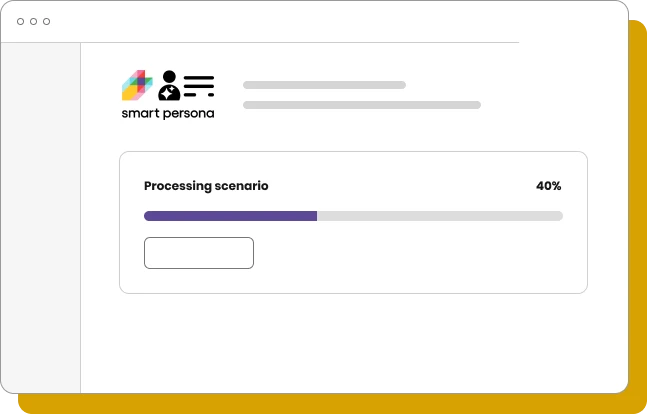
Users will now see a clear, live progress indicator (e.g., 40%) while the scenario runs.
More Reliable
Experience fewer failures during heavy platform use.
Transparent Processing
Progress is visible from start to finish so you always know the status.
In Control
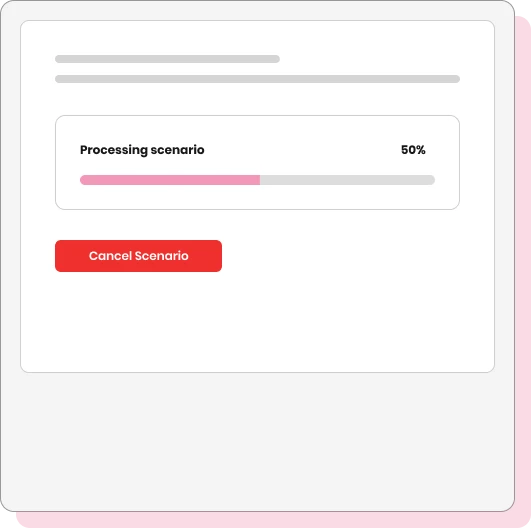
You have the ability to cancel a generation that is already in progress.
Don’t have Smart Persona yet? Get in touch to enable it and get help getting started.
Need to stop a scenario mid-run? It will soon be possible in just one click.
01
Instance Cancellation
A dedicated “Cancel scenario” button immediately stops processing without waiting for it to finish.
02
Confirmation Safeguard
A dialog box reminds you that anything generated so far will be deleted, ensuring there are no accidental stops.
03
Resume If Needed
A “Keep Processing” option lets you easily carry on if the cancellation was not intended.
04
No Units Consumed
A cancelled generation will not consume any of your usage units.
Feature Enhancement: Usage Dashboard
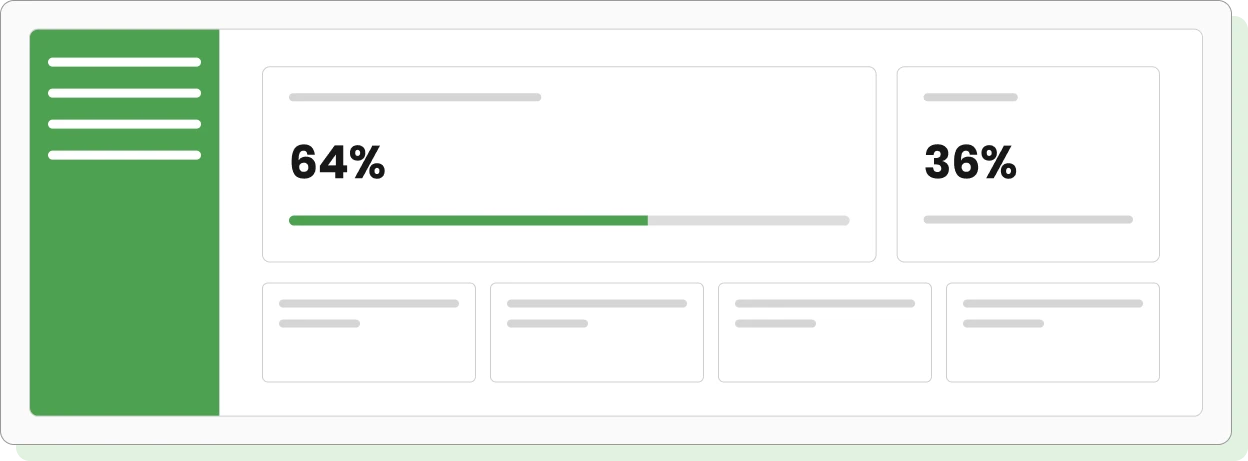
To help you plan your campaigns without guessing, we are introducing a new Usage Dashboard. You will soon be able to monitor your monthly usage allotment and remaining capacity in real time.
Organization Usage Limits
View your usage cycle dates and a visual progress bar indicating the percentage of units used versus your total remaining capacity. This usage is shared across all team members when an organization is configured.
Detailed Usage by Type
Track exactly where your units are going with a specific breakdown across:
Interview questions
Image questions
Scenarios
Document uploads
We’ll let you know the moment the dashboard is live in your instance. If you need more capacity or have any questions, contact Munvo.